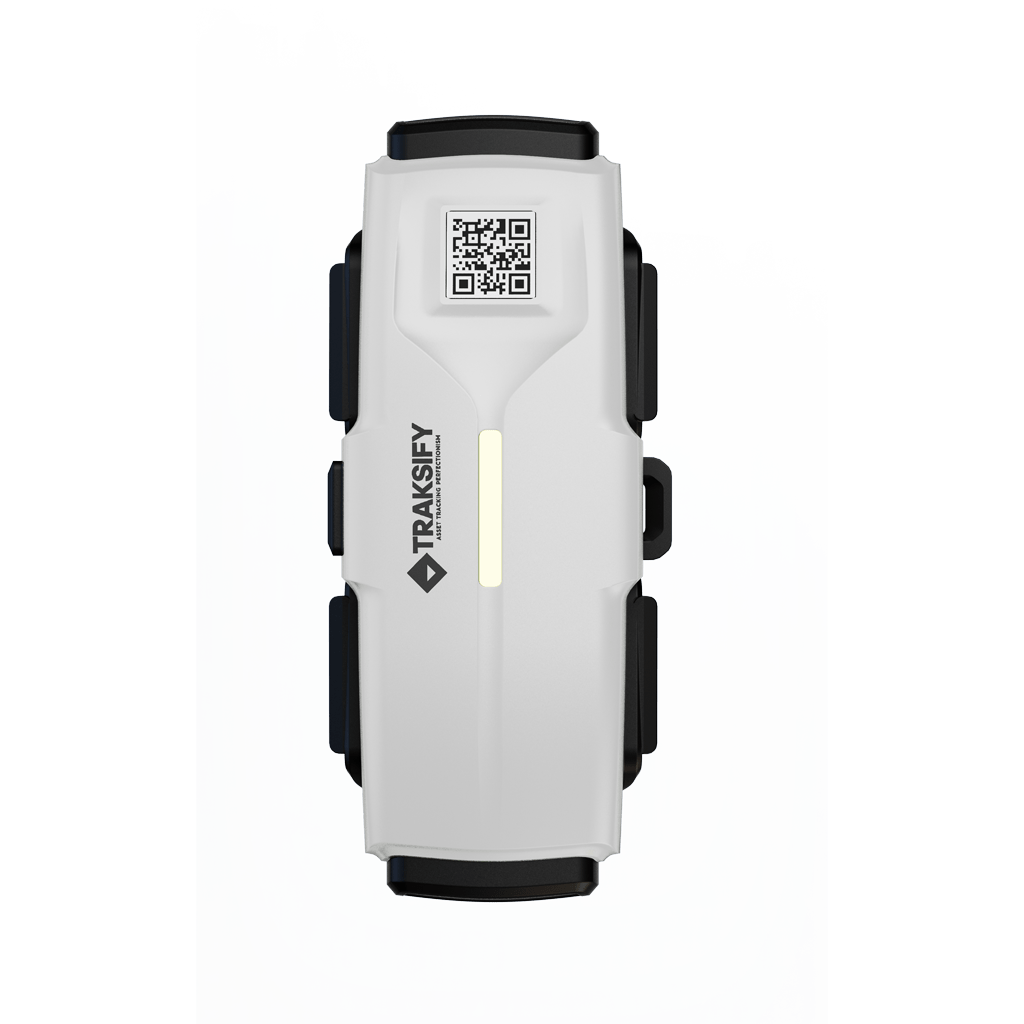
A device was shared with you!
Someone is sharing a TRAKSIFY Protect device with you for a limited time. Open it in the app, confirm with the one-time code, and it appears on your map.
Don’t have TRAKSIFY Protect?


- Install the app from the App Store or Google Play, or open the app you already have.
- Sign in or register.
- Tap Open in TRAKSIFY Protect above, or scan the QR code with the app.
- Confirm the request. The sender gives you a one-time code (valid 10 minutes) to finish.
Share invitations expire on the date the sender chose.
Don’t have a device yet?
Get the PACK.