
Version 3.9.0 is rolling out now on the App Store and Google Play. It’s a release about context: understanding what a tracker did over a whole week rather than a single day, sharing a device with exactly the right people in exactly the right way, and making sure the app speaks to you clearly wherever you are.
What’s new in 3.9.0
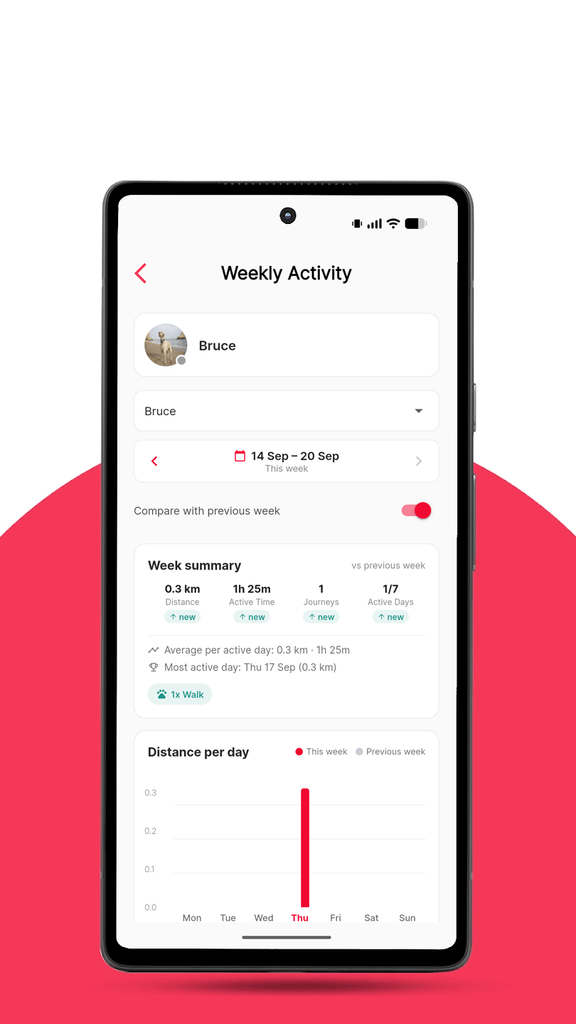
- Weekly Activity report — a seven-day view of distance, active time, journeys and active days, with automatic comparison to the previous week.
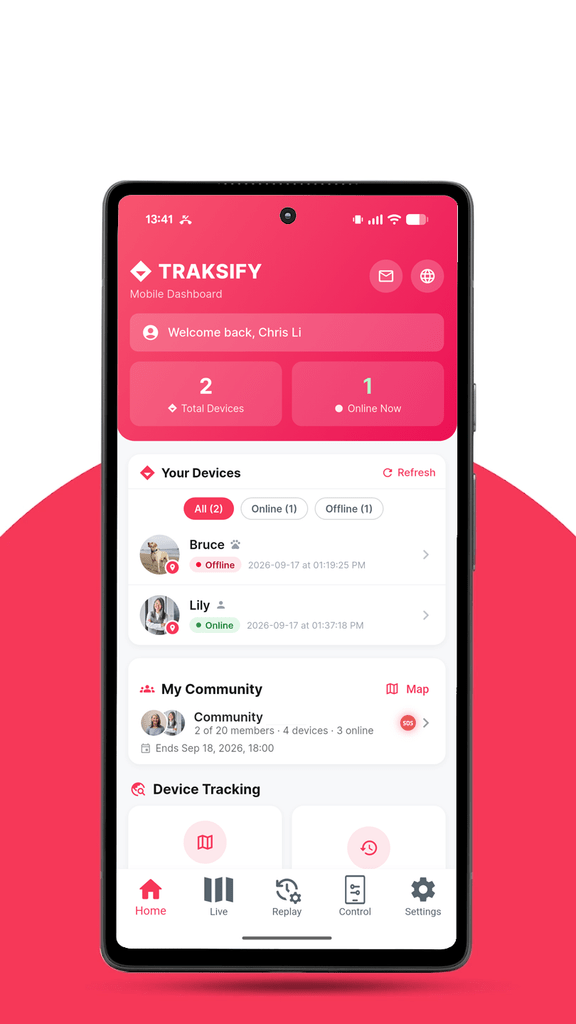
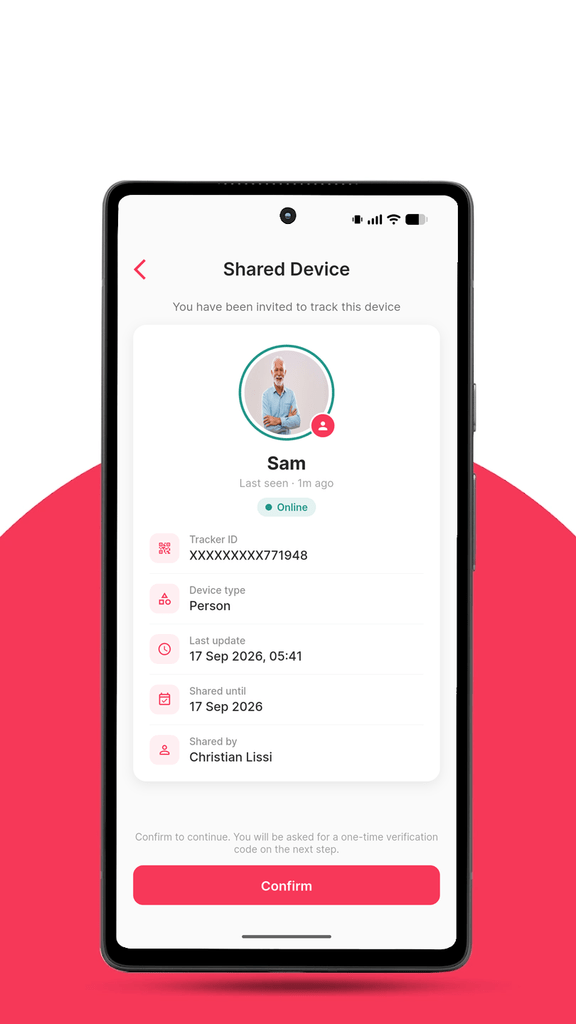
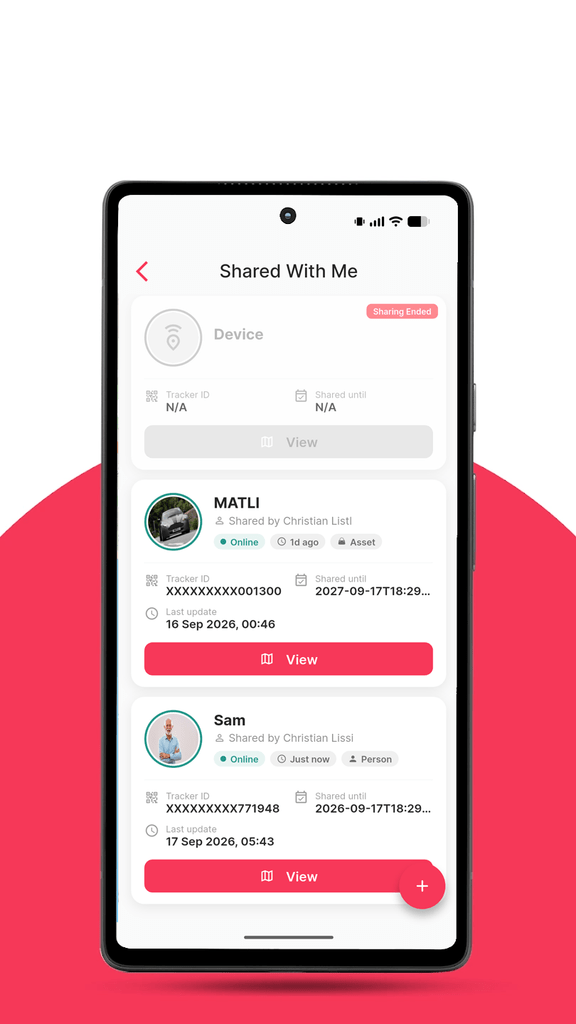
- Redesigned device sharing — the screens for accepting and viewing a shared device now show the owner’s alias, photo, device type, online status, last update, the sharing period and who shared it.
- Sharing clean-up — unsharing a device now removes it from both sides immediately; no more “sharing ended” cards lingering in your list, and no more being logged out when you unshare.
- Live translations — corrections and additions to any of the six app languages now reach you automatically, without waiting for an app update.
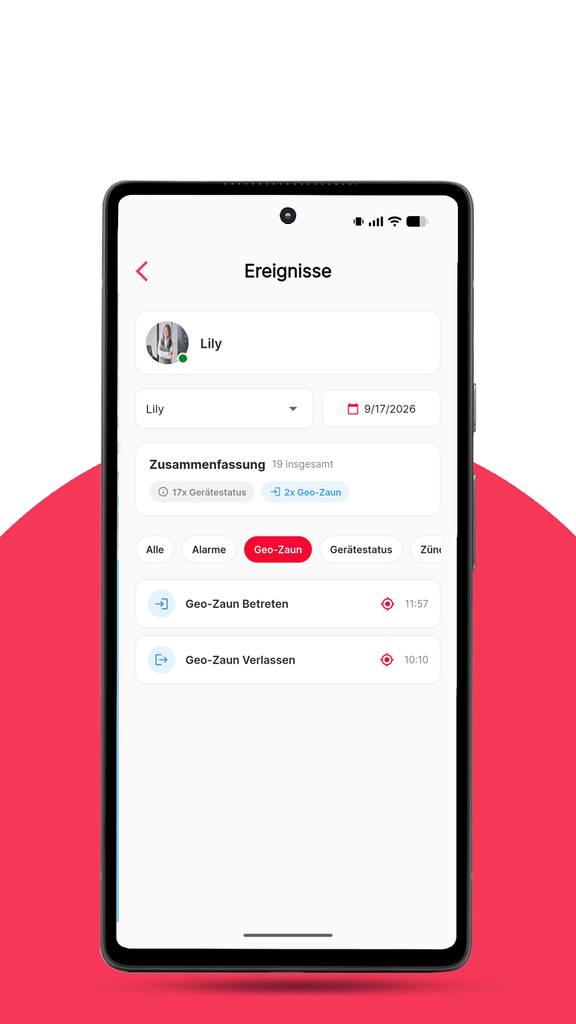
- Event names, always readable — every device event and alarm type can report now has a proper name in every language, and anything new is displayed cleanly rather than as a raw code.
- Stability — fixed the shared-device map failing to load on Android and showing an error on iOS.
Your week at a glance
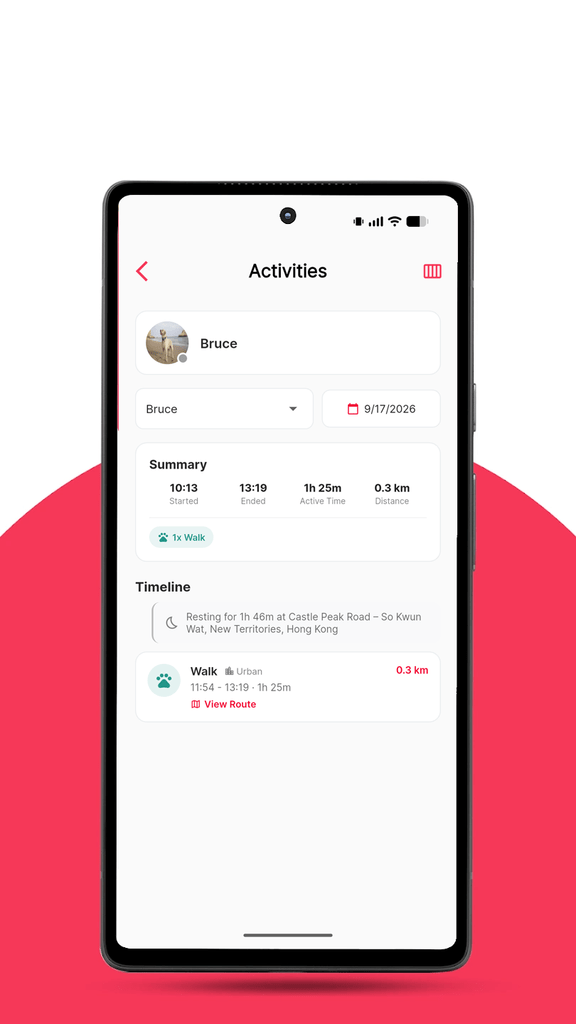
Until now, the Activities screen showed one day at a time. That’s ideal for answering “where did Bruce go on Tuesday?” — less so for “is he getting enough exercise?” or “how much did I drive this week?”
The new Weekly Activity report answers those questions directly. Pick a device and a week and you’ll see:
- Distance, Active Time, Journeys and Active Days for the week as a whole.
- Week-on-week comparison — each figure carries an up/down badge against the previous week, so a quieter or busier week stands out immediately.
- A day-by-day breakdown — the average per active day, the most active day, and a bar for each day. Tap any day to open the familiar daily view.
- Profile-aware wording — a pet’s week reads “Walk” and “In a vehicle”; a vehicle’s week reads “Driving”. The categories match your device’s profile, exactly as on the daily screen.
The numbers are calculated with the same method as the daily screen, so a week here is precisely the sum of its days — no surprises when you drill down. Weeks run Monday to Sunday in your local time zone.
Sharing a device vs. joining a Private Community
TRAKSIFY Protect now offers two ways to let other people see a tracker, and they’re designed for different situations. Here’s how to choose.
Shared Device is for lending one tracker’s location to one person for a limited time. You choose the device, set an expiry date, and hand over a QR code or link. The other person scans it, confirms with a one-time code, and sees that device — and only that device — on their map until the share expires or you revoke it. Think: your dog-sitter for the weekend, a friend borrowing the car, a colleague tracking a delivery.
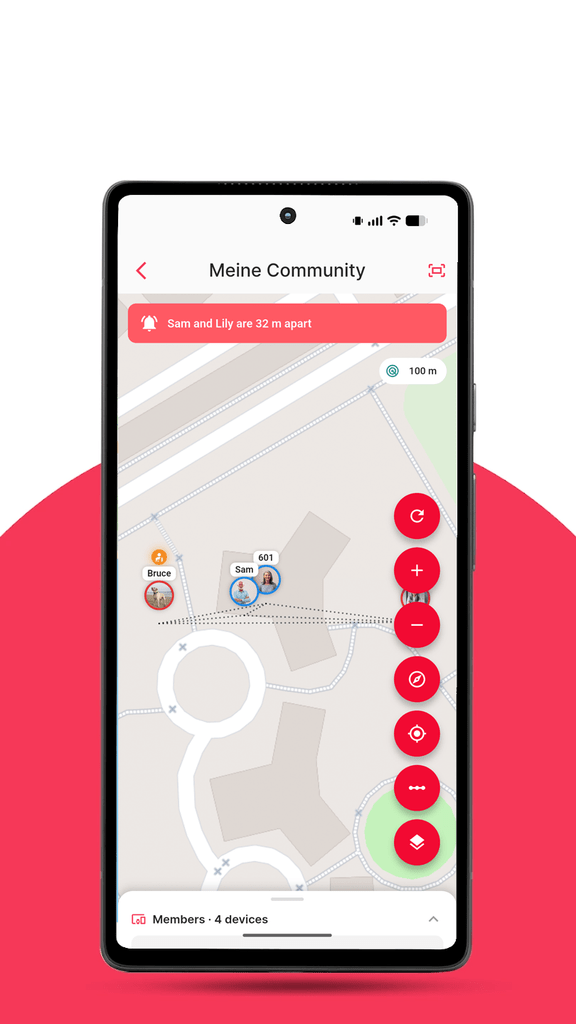
Private Community is for a group that tracks together, on an ongoing basis. A family, a walking group, a small fleet team. Members join the community once and can then see each other’s devices on a shared map, receive each other’s SOS and fall alarms, message one another, and pause their own sharing whenever they want privacy. Membership is managed by the community owner, ownership can be transferred, and everyone keeps control of what they contribute.
In short:
| Shared Device | Private Community | |
|---|---|---|
| Who sees it | One person | All members |
| What they see | One device | Everyone’s devices |
| How long | Until the expiry date you set | Until they leave or are removed |
| Alarms | No | SOS and fall alarms relayed to members |
| Messaging | No | Yes, between members |
| Best for | Temporary, one-off access | An ongoing group |
Both are available from the app’s main menu, and a device can be in a community and shared individually at the same time.
Translations that improve without an update
TRAKSIFY Protect is available in English, German, French, Spanish, Simplified Chinese and Traditional Chinese. Keeping six languages perfect across hundreds of screens is a never-ending job, and until now every correction — even a single word — meant waiting for the next app release.
From 3.9.0, that’s no longer the case. The app now checks for updated translations each time it starts and applies them straight away. If you spot a missing or awkward translation, tell us and it can be fixed the same day, for everyone, without an app update.
This also lays the groundwork for adding further languages down the line. If there’s a language you’d like to see, let us know.
Also in this release
- Unsharing a device as the owner no longer signs you out of the app.
- Devices you’ve unshared disappear from the recipient’s list straight away.
- Fixed the shared-device map loading endlessly on Android, and an error message on iOS when opening a shared device.
- Device events now use the correct icons for stopped, inactive, overspeed, fuel and maintenance events.
Update now
Version 3.9.0 is available today. Open the App Store or Google Play and update TRAKSIFY Protect to get started — your existing devices, communities and shares carry over unchanged.
As always, we’d love to hear what you think. Reach us through the app or at the usual support channels.
Version 3.9.0 (build 138). Requires iOS 15 / Android 8 or later.