
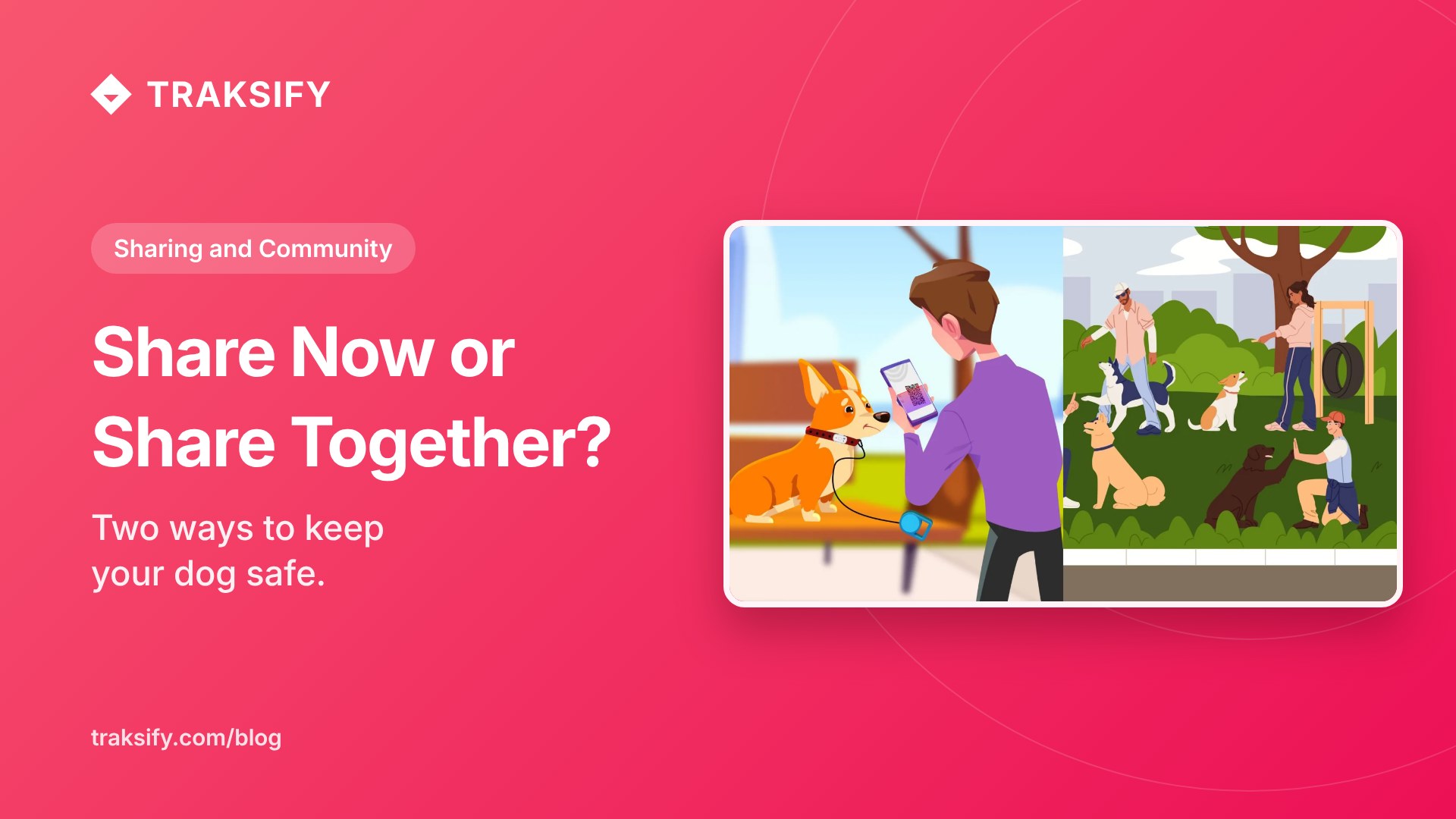
Share Now or Share Together? Two Ways to Keep Your Dog Safe
TRAKSIFY Protect gives you two very different ways to let other people see your dog’s location — and knowing which one to reach for makes all the difference. One is built for a single person, for a little while. The other is built for a group, for a shared outing. Here is when to use each, exactly how to set them up, and how both can help you avoid a lost dog in the first place — or get one back quickly if the worst happens.
Use case 1 — “Single Device” share: one person, for a limited time
The scenario: You’re heading out for the day and a friend, neighbour or domestic helper is looking after your dog at home. You want them to be able to see where your dog is — for example if the dog slips out of the garden while being walked — but only for today, and only that one person. You don’t want to add them to anything permanent, and you don’t want to hand over your account.
This is exactly what Single Device sharing is for. You share one device with one person, and you decide how long the share lasts — a few hours, a day, a week. When the time is up, access ends automatically. You can also stop it yourself at any moment. It is the digital equivalent of lending a spare key for the afternoon and having it disappear from their pocket at midnight.
Why it helps prevent a lost dog: the person on the ground can open the live map the instant something feels off — the dog isn’t back from the garden, the front door was left open — instead of calling you and waiting. Minutes matter. And if the dog does go missing, your helper can follow the tracker’s live position and last-known location directly, and share exactly where they’ve searched, all without ever needing access to your full account.
How to share a single device
- Open TRAKSIFY Protect and go to the device you want to share.
- Tap Share, then choose how long the share should last (for example “1 day”).
- If the other person is with you, let them scan the QR code straight from your screen. If they’re elsewhere, tap Send by email and enter their address — they’ll receive an invitation with a QR code and a link.
- They open the invitation in the free TRAKSIFY Protect app, tap Confirm, and enter the one-time code (you receive it by email and push, and pass it to them). This last step confirms you approved the share.
- Done. They now see your dog on their map until the time you set runs out — or until you stop the share.
The whole thing takes under a minute, and nothing is left switched on afterwards.
Use case 2 — “Private Community”: a group, on a shared outing
The scenario: Five dog owners meet for a Sunday walk along the beach or through the woods. The dogs run ahead, double back, disappear behind a dune, chase a scent into the trees. Everyone is loosely watching everyone else’s dog, but nobody can see them all. This is where a single one-to-one share falls short — you’d need ten separate shares, and still no one would have the full picture.
A Private Community solves this. Everyone joins one temporary, invitation-only group and shares their dog on one shared live map. Every member sees every dog at once. And because the group knows it’s a walk, not a permanent arrangement, the community can be set to end automatically when the outing is over.
Why it helps prevent a lost dog: the community doesn’t just show positions — it watches the group for you. If one dog drifts too far from the others, members get a separation alert. If a tracker raises an SOS or fall alarm, everyone in the group is notified, not just the owner who might be a hundred metres away and out of earshot. So the moment a dog strays toward a road or vanishes over a ridge, the nearest person — not just the owner — knows immediately and can react. That head start is often the difference between “we caught up with him” and “he was gone before we noticed.”
How to set up a Private Community for a walk
- In Settings → Community, tap Create and give it a name (for example “Sunday Beach Walk”).
- Set an end date/time so the community closes itself when the walk is done, and add the devices you want to share.
- Tap Invite and send an invitation to each owner by email. They accept in their own app and choose which of their devices to share.
- Everyone opens the Community map — all the dogs appear together, live.
- Enjoy the walk. Proximity and separation alerts, plus any SOS or fall alarms, are shared across the whole group automatically. Each owner can pause their own sharing at any time, and the community closes on its own at the end.
Which one should I choose?
- One person watching your dog while you’re away — a helper, a neighbour, a dog sitter — for a set period → Single Device share.
- A group out together — a walk, a hike, a day at the beach — where everyone should see every dog and be warned if one wanders → Private Community.
A simple way to remember it: share a device when you’re handing responsibility to one person for a while; create a community when you’re sharing responsibility with a group for an outing.
Both are private, temporary, and in your control
Whichever you choose, the same principles apply: you decide who sees your dog, you decide for how long, access ends by itself, and you can stop it at any time. Nothing stays switched on in the background, and no one ever gets your account. That’s tracking to protect — never to stalk — and it’s what turns a nerve-wracking “where’s the dog?” moment into a quick glance at a map.
You’ll need the free TRAKSIFY Protect app and a TRAKSIFY tracker. Don’t have one yet? Get the PACK.